
Summary
The hidden costs of legacy fax add up fast. The financial costs of hardware and phone lines, lost time with jammed machines, and all the time your team spends working around these frictions. Cloud fax cuts all of that out. Documents move faster, teams stay focused, and you get the kind of efficiency gains that actually show up in your bottom line.
| Time to Read | ~8 minutes |
| What You’ll Learn |
|
| Next Steps |
|
Your fax setup is either working for you, or it’s quietly working against you. If your business is like most out there that still sends faxes, you’re losing money, and you don’t even know it. Cost, speed, tech failures, and daily frustration for team members all add up. Legacy fax machines and dedicated phone lines eat into your budget and slow down your team. Cloud fax flips that equation entirely.
Luckily, there’s a solution. Upgrading to online faxing with FaxBurner can cut costs, reduce IT headaches, support remote teams, and improve client communication in ways you can actually measure.

The Hidden Cost of Legacy Fax
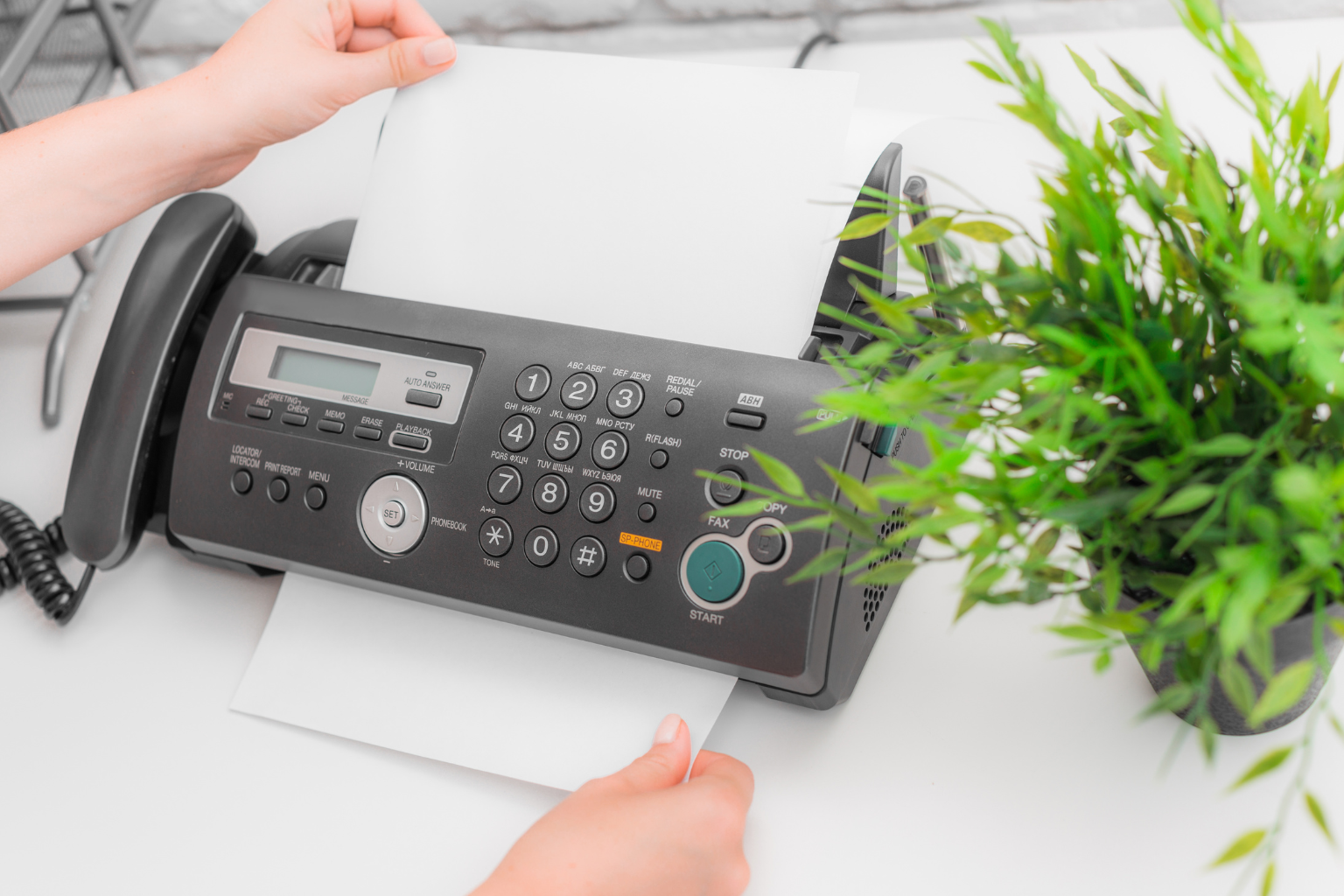
Most businesses don’t add up what traditional faxing actually costs them per year. Between hardware, a dedicated phone line, toner, paper, maintenance, and IT time, it’s more than most people realize, and that’s before factoring in the time employees waste walking to machines, clearing paper jams, or manually filing received faxes.
For startups and lean teams especially, every dollar spent on clunky infrastructure is a dollar not invested in growth. Here’s how the costs stack up:
| Cost Category | Traditional Fax / Multifunction printer | FaxBurner (Cloud Faxing) |
|---|---|---|
| Hardware | Fax Machine or MFP ($200-$800+) | None |
| Phone Line | Dedicated analog line (~$30-$50/mo) | None |
| Paper & Ink / Toner | Ongoing consumable cost | Minimal to none |
| IT Overhead | Set up, updates, troubleshooting | None (cloud managed) |
| Maintenance & Repairs | Paper jams, service calls | Handled by FaxBurner |
| Monthly Service Fees | Bundled into hardware/telecomm costs | Free plan available |
The upgrade pays for itself quickly, and that’s before counting the time savings.
What Cloud Fax Actually Is
Think of cloud fax as the natural evolution of the fax machine. The progression looks like this:
Standalone fax machine → Multifunction printer (MFP) → Cloud fax (no hardware at all)
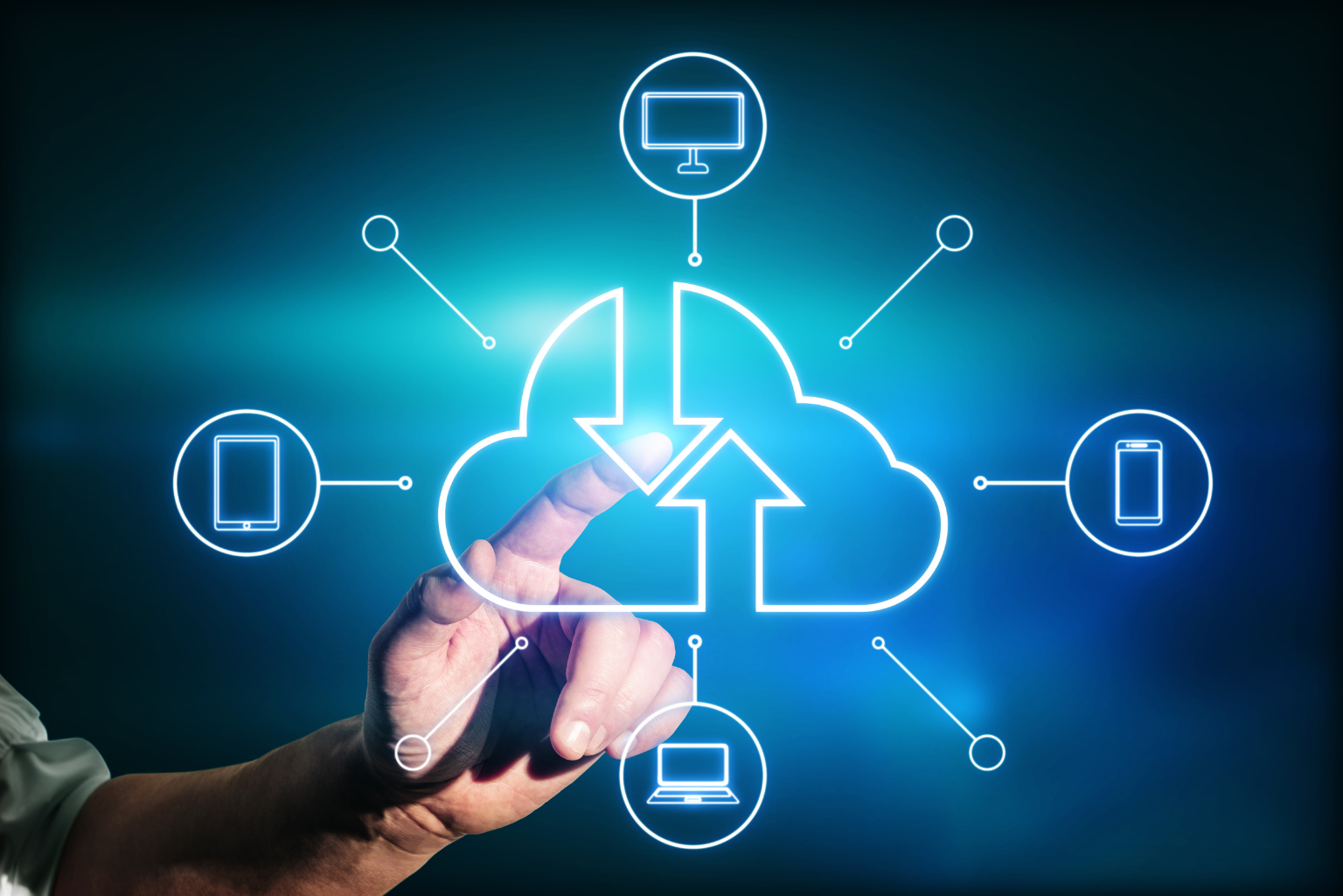
With FaxBurner, you get a virtual fax number and can send or receive faxes from any email client, smartphone, or browser. You’ll never have to deal with hardware, dedicated phone lines, or setup beyond 30 seconds again. Clients who still need a physical copy can print from their end; you never have to touch a machine.
| 💡 FaxBurner’s free iPhone app lets you fax from anywhere you have an internet connection, whether you’re in the office, at a client site, or working from home. |

The Day-to-Day Difference with Modern Fax Technology
Faster Document Workflows
With cloud fax solutions, employees send documents directly from their computers or phones, without printing, scanning, or walking to a machine. Some of the main ways modern fax tech can help your business’s productivity include:
- Faxing from any device, anywhere
- Incoming faxes arrive as PDFs directly in your inbox
- No machine queues or paper jam delays
- Integrates with tools your team already uses: Word, Dropbox, Google Drive
Centralized Fax Management
An MFP with cloud faxing consolidates all of your company’s fax activity into one easy, accessible place, making archiving, billing, compliance, and record-keeping dramatically easier. Your team can call up stored cover sheets, access distribution lists, and send to frequent recipients without having to start from scratch every time.
Reduced IT Burden
Cloud fax offloads hardware and software maintenance to a third party, which means no more IT tickets for fax machine errors ever. And better yet, new employees can be trained in minutes since everything runs through email, a tool they already know.

A Less Stressful Office Is a More Productive One
According to a Robert Half Technology survey, the average worker loses 22 minutes every day to IT-related issues, adding up to more than two full workweeks of lost productivity per year. A big part of that? Friction. Every time someone has to stop their work to deal with a clunky tool, a jammed machine, or a lost document, focus breaks, and it’s hard to get back on track.
Removing friction from document workflows is one of the simplest ways to reduce daily stress. But it doesn’t stop there. A productive office also invests in:
- Wellness & environment: Standing desks, comfortable spaces, and small personal touches make employees 15% more productive
- Motivation & morale: Set clear expectations, recognize wins, and use collaborative language; engaged employees outperform disengaged ones consistently
- Better meetings: Nearly 50% of employees don’t know what they’re supposed to do after a meeting. Keep them short, give them an agenda, and follow up in writing
- Smarter tool choices: Slack for team chat, Dropbox for file sharing, FaxBurner for documents, PhoneBurner for calls; each tool should earn its place in your stack
The through-line: when your tools work smoothly, your people can focus on the work that actually matters.

Better Document Handling = Better Client Communication
How you transmit documents directly affects how clients perceive your professionalism. A signed contract that arrives instantly with a delivery confirmation reads very differently from one that gets stuck in a fax machine queue or buried in an email thread.
Match the Channel to the Message
Not every tool is right for every situation. Using the wrong channel creates friction and misses the mark with clients:
| Use This Channel | When You Need To… |
|---|---|
| FaxBurner | Send signed contracts, official forms, NDAs, etc., with delivery confirmation |
| Share detailed info, structured updates, or anything requiring a paper trail | |
| Chat (Slack/Teams) | Quick check-ins, fast clarifications, internal updates |
| Phone/Video Call | Clear up confusion, build rapport, navigate complex issues |
Why Fax Still Wins for Formal Documents
In compliance-driven industries, where secure document transmission is non-negotiable, fax is still the expected standard for transmitting sensitive information. Here’s why it holds up:
- Guaranteed delivery confirmation (email read receipts aren’t universal)
- Point-to-point transmission reduces exposure vs. email routing
- Legally recognized in regulated industries
- Works with clients still on traditional fax infrastrucuture

Building a Communication Stack That Works for Remote and Hybrid Environments
Remote and hybrid work isn’t going away, but scattered, mismatched tools are costing teams more than they save. If your team is switching between five apps just to send a document, that adds up fast.
Where FaxBurner Fits In
Online faxing fills the gap that email and cloud storage can’t. Clients and agencies that don’t use shared links, documents that need tracked delivery, and industries where fax is the required standard are all examples of that gap. FaxBurner connects seamlessly with the rest of your stack:
- Google Drive: Pull documents directly and fax without downloading
- Dropbox: Auto-archive sent and received faxes for a clean, searchable record
- Slack/Teams: Forward incoming faxes to the right department instantly
- Mobile app: Field workers like sales reps, recruiters, and support staff can fax from their phones on the go
| 💡 Tip for FaxBurner best practice: assign one shared fax number per department (HR, sales, admin) so incoming documents land in the right inbox every time. |

The ROI Summary
In short, here’s what modernizing your fax solution with FaxBurner actually delivers:
- Cost savings: Eliminate hardware, phone lines, paper, toner, and IT overhead
- Time savings: Faster sends, centralized management, no machine queues
- Better client communication: Delivery confirmation, compliance-ready, works across industries
- Remote-ready: Works from any device, integrates with your existing tools
- Startup-friendly: No capital expense, free plan to start, scales as you grow
For startups bootstrapping every dollar, this is a no-brainer. For established businesses still running analog fax lines, it’s an overdue upgrade.
Get Started With FaxBurner in 30 Seconds
You don’t need new hardware, and you don’t need to put in a call to IT. Getting started with FaxBurner takes 30 seconds: you get a free fax number, and you can send and receive faxes immediately from your phone, email, or browser. It works with the tools your team already uses, scales as your business grows, and there’s a free plan, so there’s no risk to try it.
Modern fax isn’t about clinging to old technology. It’s about making every tool in your stack earn its place, and FaxBurner earns it from day one. If you’re ready to see what the right fax solution can do for your team, get in touch with us, and we’d love to help.
