

| Time to Read | ~6 minutes |
| What You’ll Learn |
|
| Next Steps |
|
They don’t.
A fax number is connected to a fax machine or fax service designed to send and receive documents using audio tones, not voice. The primary difference shows up the moment you dial one. Instead of a ring and a person, you get a high-pitched screech. That’s the fax system trying to establish a data handshake, not someone picking up.
What Happens If You Call a Fax Number?
If you call a fax number, you’ll hear a series of high-pitched tones, similar to the sound of a dial-up modem. That’s the fax system waiting for a signal from another fax device. Here’s what’s happening under the hood:
- The fax machine or fax service expects a CNG (calling) tone from another fax device.
- If you’re calling from a regular phone, no matching signal is sent.
- The system can’t complete the data handshake, so the line remains active briefly before dropping the call.
With online fax services like FaxBurner, the process is the same but silent. The virtual number either accepts a document or rejects the request. There’s no ringing, no voicemail, no person. It’s built to receive files, not calls.
📌 How to tell if a number is a fax line before dialing:
- It’s labeled “Fax” on a business’s contact page or email signature
- You hear high-pitched tones immediately after dialing
- The call connects instantly, but no one speaks
- It appears next to document submission instructions
- It’s tied to an online fax service, meaning it won’t accept phone calls
Can You Use One Number for Phone and Fax?
Technically, yes, but it’s not recommended for businesses. Some telephone lines do support both modes, switching between voice and fax using distinctive ringing patterns or advanced call routing systems, but they really only work in a home office or for very occasional use.
For businesses, sharing one number creates real problems. If the line isn’t configured correctly, calls can be routed to the fax system, meaning clients never reach a person. And if voicemail is set to pick up before the fax system, incoming faxes can fail.
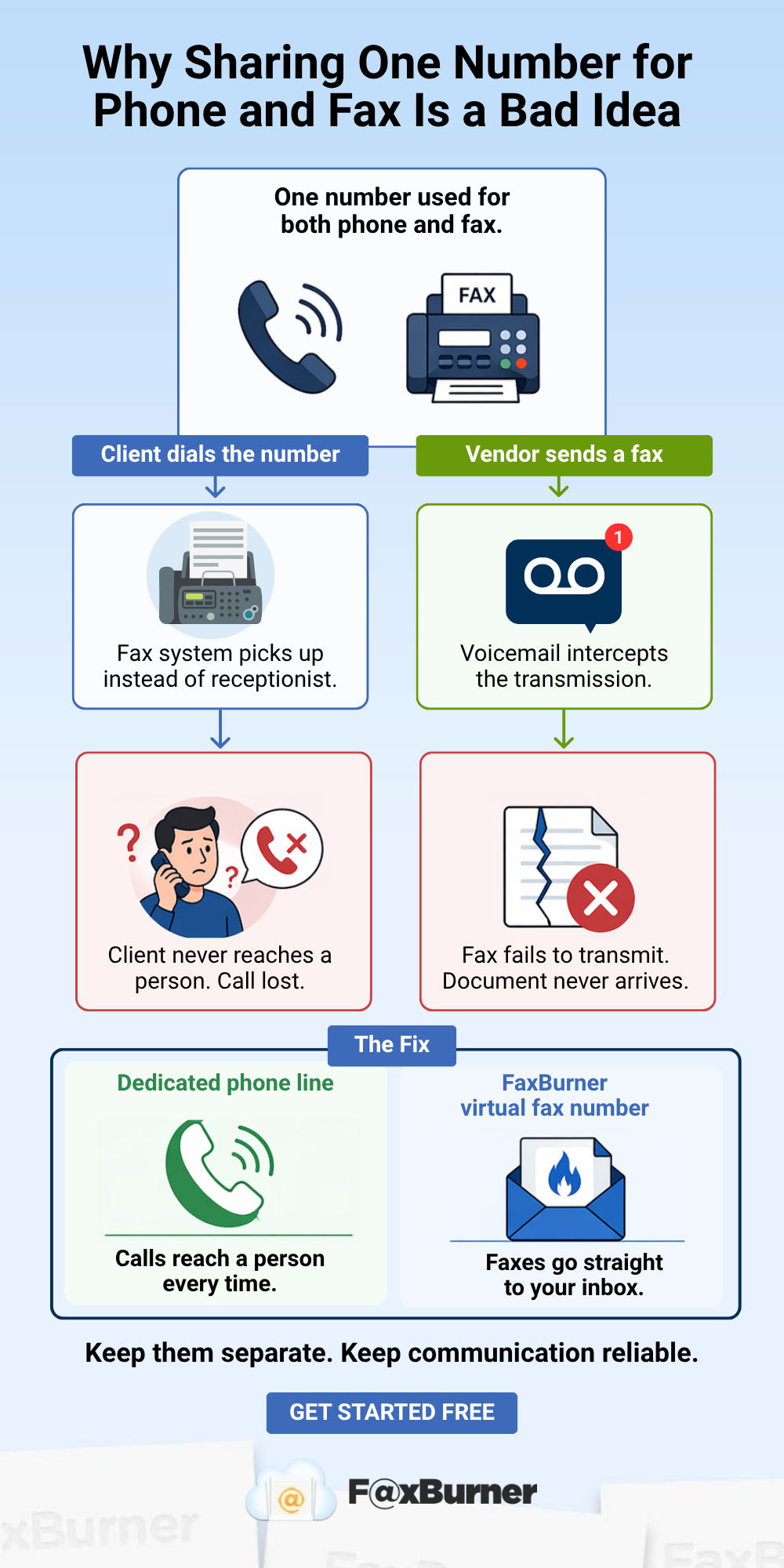
Here’s a simple example. A law office uses one phone number for everything. A client calls, but the fax system answers instead of the receptionist. Later, a vendor tries to fax a signed contract, but it gets picked up by voicemail and never goes through. In both cases, things fall through the cracks, and the business comes across as disorganized.
In practice, using a single number might seem like a way to save money, but it usually creates more confusion than it’s worth. Separate lines for phone and fax keep things running smoothly, and online fax services like Faxburner avoid the problem entirely by sending and receiving faxes over the internet instead of a phone line.
Why Some Fax Machines Come With a Built-In Phone
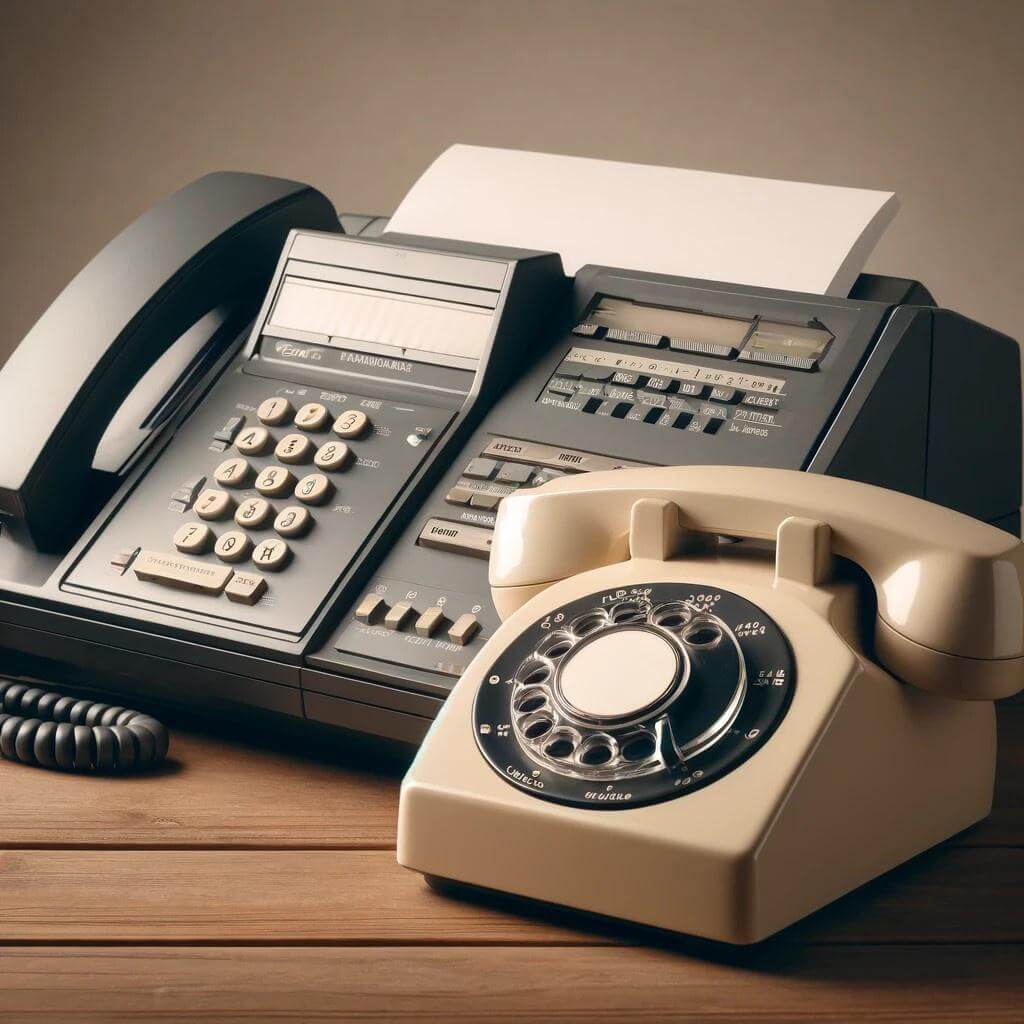
Many older fax machines and all-in-one printers include a phone handset. This isn’t meant to replace a business phone line. It serves a specific, practical purpose.
The built-in phone allows you to:
- Confirm delivery in real time: You can speak directly to the recipient right after sending to confirm they received the fax and that it’s readable. This reduces the need to resend and cuts down on errors, which matters when documents are time-sensitive.
- Troubleshoot transmission problems: If a fax fails mid-send, the built-in phone lets you call the recipient or a support line immediately to resolve the issue without switching devices.
- Make basic voice calls on the same line: If the line is idle and not transmitting a fax, the handset can be used for a regular call. But only one function can run at a time.
The built-in phone is not a replacement for a dedicated business phone line.
💡 Think of the built-in phone as a troubleshooting tool, not a communication channel. It’s there to help when something goes wrong with the fax, not to handle the day-to-day calls a business depends on.
How Online Faxing Services Improve Efficiency for Offices
Online fax services eliminate most of the friction associated with traditional fax lines. A virtual fax number like the kind FaxBurner provides works through the internet, not a phone line, which means:
- No shared-line conflicts between voice and fax. The virtual number only handles documents.
- No dedicated phone line required, which reduces your monthly overhead.
- Faxes are delivered directly to your email or mobile app as PDFs.
- Send from any device: phone, browser, or email client
- Delivery confirmation is built in, so there’s no need to call and verify
- Cloud storage for all sent and received faxes. No manual filing
For offices that still need to fax but want to avoid the hardware, line management, and shared-number confusion, an online fax service like FaxBurner is the most practical upgrade. The fax phone built into your old machine had a job to do. FaxBurner’s confirmation email does the same job automatically.
The Bottom Line
Fax numbers and phone numbers share the same format and the same network, but they serve completely different purposes. Calling a fax number won’t reach a person, sharing one line for both voice and fax creates more problems than it solves, and the handset on your fax machine is a troubleshooting tool, not a phone replacement. If managing all of that sounds like more overhead than it’s worth, FaxBurner gives you a dedicated virtual fax number that handles documents cleanly, keeps your phone line free, and delivers everything straight to your inbox.
Frequently Asked Questions
Is a fax number the same as a phone number?
Fax numbers and phone numbers look identical and use the same numbering format. The difference is in how they’re set up and who (or what) answers the call. A fax number connects to a fax machine or service that expects data signals, not a voice. Without additional context, like a label or listing, you can’t tell from the number alone which type it is.
What happens if I call a fax number by mistake?
You’ll either hear a series of high-pitched screeching tones or the call will drop. The line is set to receive data, not voice, so the system doesn’t know how to handle a regular phone call.
Can I use a fax number to talk to someone?
No. Fax numbers are not built for voice communication. Even if the number looks like a regular phone line, it’s meant to receive documents only. Calling it won’t connect you to a person.
How do I know if I’m calling a fax line?
Watch for signs like instant pickup with no voice, fax tones immediately after dialing, or the number labeled “Fax” on a website or contact page. If it’s connected to a digital fax service, it won’t respond to a regular voice call at all.
Do fax numbers work on mobile phones?
You can dial a fax number from a mobile phone, but you won’t reach a person. You’ll hear tones or silence, just like with a landline. To send or receive a fax from a mobile phone, you need an online fax service or app, like FaxBurner.
Can I receive voice calls on my online fax number?
No. Virtual fax numbers like those from FaxBurner don’t support voice calls. They only accept incoming faxes and deliver them digitally through an app or email. This is by design. It eliminates the shared-line problems that affect traditional setups.
Why does my fax machine have a phone handset?
The built-in phone lets you confirm receipt, troubleshoot failed transmissions, and make basic voice calls when the line isn’t in use for faxing. It’s a practical tool for resolving fax-related issues quickly. It is not designed to replace a dedicated business phone line.
