How to Send Faxes for Free with FaxBurner
Attach your document, enter the fax number, and hit send. FaxBurner lets you fax from your iPhone or email in under 30 seconds. No credit card required.
How to Send a Fax Online With FaxBurner
- Get your free fax number – Download the FaxBurner app or create an account online. Tap “Reserve a Fax Number” and you’ll have one instantly.
- Attach your document – Snap a photo of a paper document, upload a PDF, or import a file from email or cloud storage. Add a cover sheet if you need one.
- Send the fax via iOS app or email – FaxBurner gives you two ways to send faxes. Apple iOS users can use our top-rated iOS app, or you can send a fax via email. See blow for more specific instructions for each.
Send Faxes From Your iPhone or Email
From the FaxBurner iOS App
- Download the free FaxBurner app from the App Store
- Tap “Compose a Fax” and attach your document (snap a photo, upload a PDF, or import from Dropbox or cloud storage)
- Enter the recipient’s fax number and tap Send
- Get delivery confirmation instantly
Download from the App Store

Fax From Email
- No app download required
- Attach your document to an email (PDF format works best)
- Send to [email protected] with the recipient’s fax number as the subject line
- Your document is converted to a fax and delivered
- Works with Gmail, Outlook, Yahoo, or any email
Why 1.5 Million+ People Choose FaxBurner to Send Faxes
- Actually free – Send your first fax free, with no credit card required. Upgrade only if you need more.
- #1 rated fax app – 4.8 stars on the App Store with thousands of 5-star reviews.
- Works in seconds – Get a fax number and send your first fax in under 30 seconds.
- Send from email too – Don’t want to download an app? Fax directly from your email address.
- Multiple file types – Fax PDFs, photos, documents from cloud storage, or snap a picture of a paper document with your phone camera.
- Receive faxes – Get your own fax number and receive incoming faxes as PDFs in your inbox.
- No fax machine needed
Create your FaxBurner account for free
From sign-up to faxing in less than 60 seconds, including your personal fax number.
Frequently Asked Questions
How do I send a fax online for free?
- Download the FaxBurner app or create a free account at faxburner.com.
- Tap “Compose a Fax,” attach your document (PDF, photo, or imported file), enter the recipient’s fax number, and tap Send.
- Your first fax is free — no credit card or subscription required.
- You’ll get a delivery confirmation when it goes through.
- You can also send a fax from your email without downloading the app.
- Email “[email protected]”, with the receiving fax number as the subject line
- Attach your document to the email
Can I send a fax from my iPhone?
Yes. Download the free FaxBurner app from the App Store and you can send a fax in under 30 seconds. Open the app, tap Compose, attach your document or snap a photo of a paper document, enter the recipient’s fax number, and send. The app also lets you add a cover sheet, import files from cloud storage, and track delivery status.
Can I send a fax from email?
Yes. FaxBurner lets you send faxes directly from any email account. We support all major email providers, including Gmail, Outlook, Yahoo, iCloud Mail, or any other provider. Attach your document (PDF works best) to an email, put the recipient’s fax number as the subject line, and send it to [email protected]. FaxBurner converts your attachment into a fax and delivers it. You’ll receive confirmation by email when it’s sent.
Is FaxBurner really free for sending faxes?
Yes, your first fax is free (no credit card, no trial period, no hidden fees). Free accounts can send up to 5 pages.
If you need to send more, paid plans start at $4.99/month and include a permanent fax number, higher page limits, and the ability to receive faxes as well. Most people who need to send a single fax find the free tier covers it.
What file types can I fax with FaxBurner?
You can fax PDFs, photos (JPG, PNG), and other common document formats. You can also snap a photo of a paper document using your phone’s camera and FaxBurner will convert it to a fax-ready format. For the best fax quality, PDFs are recommended. The app also lets you import files from Dropbox, iCloud, Google Drive, and email attachments.
How do I know if my fax was delivered?
FaxBurner sends you a delivery confirmation by email and in-app notification once your fax is successfully transmitted. If there’s a problem — like a busy signal or wrong number — you’ll be notified of that too, so you can retry. This is one of the advantages over a physical fax machine, where you’re often left wondering.
How long does it take to send a fax?
Most faxes are delivered within a few minutes. The exact time depends on the number of pages, the file size, and the recipient’s fax machine. A typical one-to-five page document takes under five minutes from the time you hit Send to when it’s delivered. You’ll get a confirmation as soon as it goes through.
Can I send a fax to an international number?
FaxBurner primarily supports faxing within the United States. Enter the recipient’s full fax number including area code. For international faxing needs, check FaxBurner’s current plan options, as international support may vary by plan level.
Do I need to include a cover sheet?
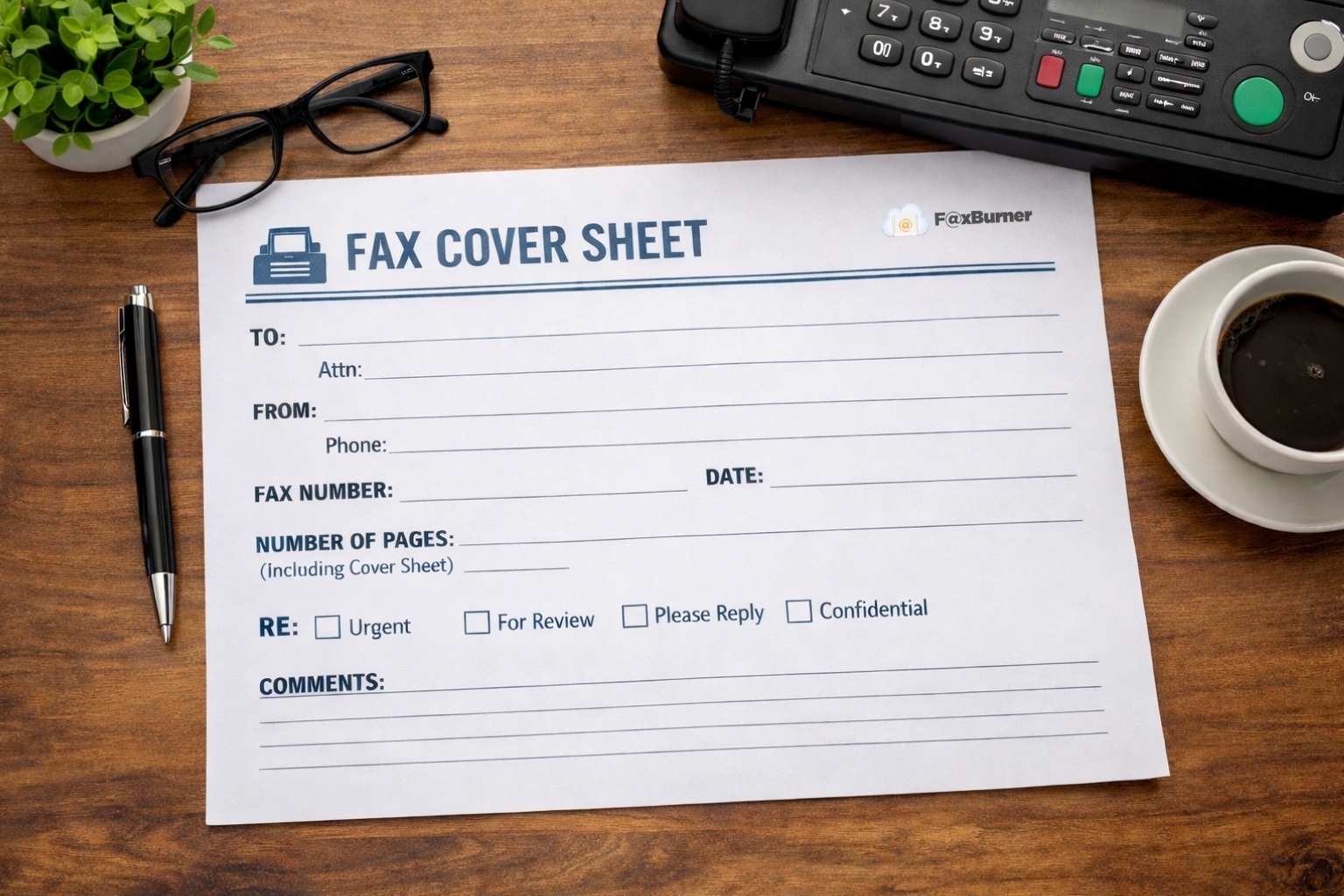
No, a cover sheet is optional. FaxBurner lets you add one if you want — you can type a short message that will appear as the first page of your fax. Many business and medical faxes include a cover sheet for context, but it’s not required.
If you need a formatted cover sheet, check out our free fax cover sheet templates.
Can I send a fax from my computer?
Yes. You can send a fax from any computer by using FaxBurner’s email-to-fax method.
Attach your document to an email, put the recipient’s fax number in the subject line, and send it to [email protected].
You can also log in to your FaxBurner account online to compose and send faxes from your browser.
How many pages can I send for free?
Free accounts include 5 outbound fax pages. That’s enough to send a typical document (most faxes are one to three pages). If you need to send more, paid plans include higher limits and additional features like a permanent fax number and fax archiving. Plans start at $4.99/month.
Is sending a fax online secure?
Yes. FaxBurner transmits your documents securely to the recipient’s fax machine. Your documents are handled through FaxBurner’s servers and delivered directly — there’s no shared fax machine where others could see your paperwork. For most personal and business faxing needs, online faxing provides better document security than a physical fax machine in a shared office.
Start faxing for free
From sign-up to faxing in less than 60 seconds.