
Getting Started With the FaxBurner Digital Fax App
Learn how to use FaxBurner to send and receive faxes online, via our website or our iOS app. FaxBurner is completely digital, with no physical fax machine required.
What Is a Digital Fax App?
A digital fax app lets you send and receive faxes using your smartphone or computer, with no fax machine or phone line required.
Your documents are converted into a fax-compatible format and delivered to the recipient’s fax machine (or their own digital fax service).
It works just like email, but the person on the other end receives a traditional fax. FaxBurner works on all mobivle devices via its web interface or email-to-fax functionality, and iOS users can download the free FaxBurner app.
How to Send a Digital Fax in 3 Steps
- Get your free fax number – Sign up for FaxBurner and get your free fax number in under 30 seconds.
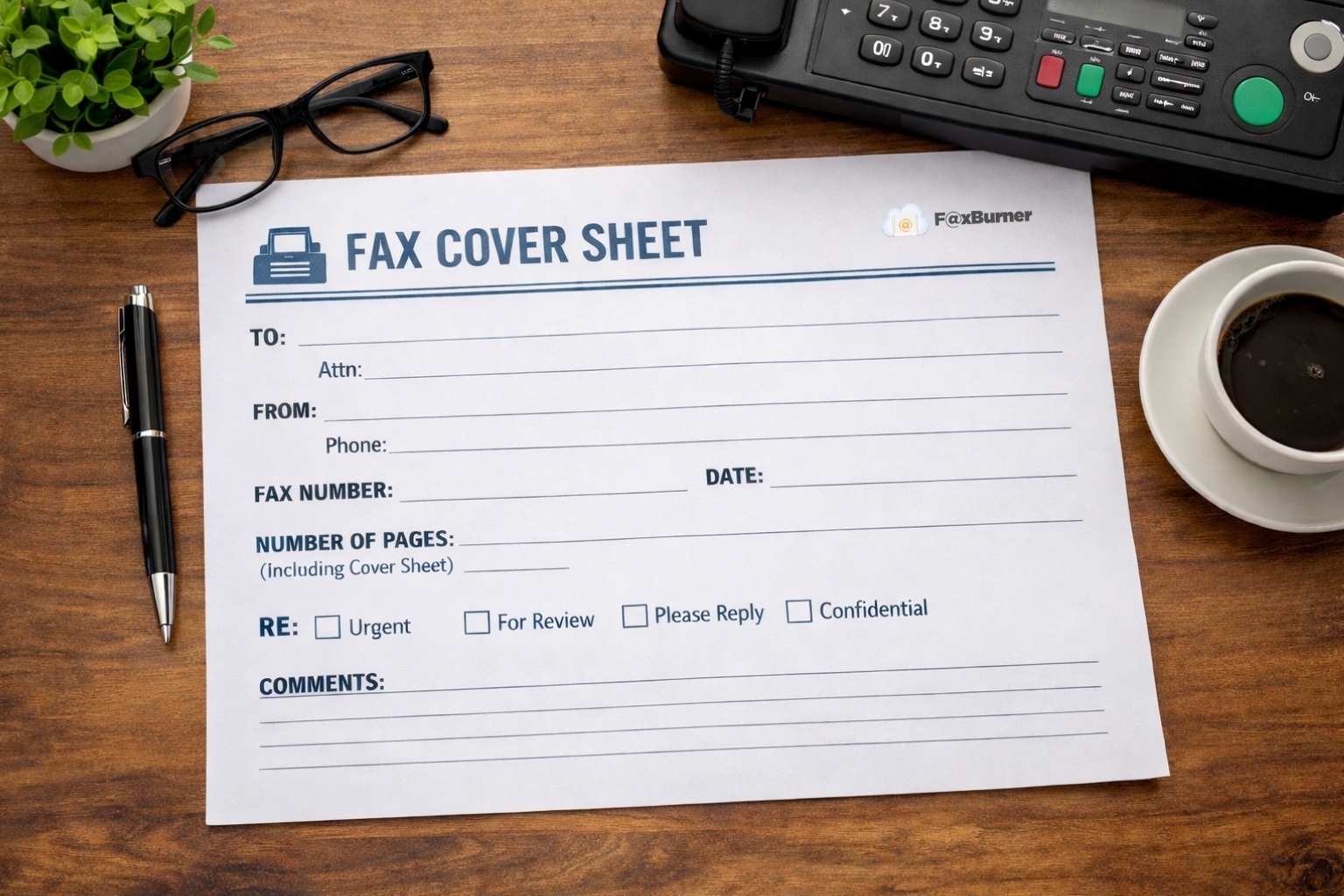
- Attach your document – Snap a photo, upload a PDF, or import from cloud storage. Add a cover sheet if needed.
- Enter the number and send – Type the recipient’s fax number and tap send. You’ll get a confirmation when it’s delivered.
Need more help or have a specific question? Check out our in-depth guide on how to send free digital faxes.
How to Receive a Digital Fax in 3 Steps
- Get your free fax number – Sign up for FaxBurner and get your free fax number in under 30 seconds. You will need a premium plan if you want a permanent fax number, but the free plan gives you a temporary number that lasts for 24 hours.
- Tie your email to FaxBurner – During the account creation process, you’ll be asked to enter your email. This is the address we will send incoming faxes to, so ensure you have access to it.
- Have faxes sent to your fax number – FaxBurner will store these faxes in your account inbox as well as forward a copy to your email inbox.
Need more help or have a specific question? Check out our in-depth guide on how to receive free digital faxes.
Why 1.5 Million+ People Choose FaxBurner
- Actually free – Send your first fax free, with no credit card required.
- Upgrade only if you need more.
- #1 rated fax app – 4.8 stars on the App Store with thousands of 5-star reviews.
- Works in seconds – Get a fax number and send your first fax in under 30 seconds.
- Send from email too – Don’t want to download an app? Fax directly from your email address.
- Receive faxes – Get your own fax number and receive incoming faxes as PDFs in your inbox.
- No fax machine needed
Create your FaxBurner account for free
From sign-up to faxing in less than 60 seconds, including your personal fax number.
Frequently Asked Questions
Is FaxBurner really free?
Yes. You can download the app and send your first fax completely free—no credit card, no trial period, no hidden fees. You also get a free fax number that’s yours for 24 hours. If you need to send more faxes or want to keep your number permanently, you can upgrade to a paid plan, but there’s no pressure and no automatic billing.
Do I need a fax machine to use a digital fax app?
No. A digital fax app like FaxBurner turns your iPhone or email into a fax machine. You send the fax digitally, and it’s delivered to the recipient’s actual fax machine—or to their digital fax service if they use one too. No hardware required on your end.
Can I send a fax from my iPhone without downloading an app?
Yes, but you’ll need to use the email method. Attach your document to an email, address it to the recipient’s fax number using FaxBurner’s email-to-fax format, and send. The fax is delivered without you ever downloading an app. That said, the app is free and gives you more features like a dedicated fax number, delivery confirmations, and the ability to receive faxes.
How do I receive faxes with FaxBurner?
When you sign up, you get your own fax number. Anyone can send a fax to that number, and it arrives in your FaxBurner app (or your email) as a PDF. No printing, no paper—just open and read. Free accounts get a temporary number; paid plans let you keep your number permanently.
What file types can I fax?
FaxBurner supports all common document formats: PDF, Word (.doc, .docx), images (JPG, PNG), and more. You can also snap a photo of a paper document directly in the app and fax that. The app automatically converts your files into a fax-compatible format before sending.
How long does it take to send a digital fax?
Most faxes are delivered within a few minutes. You’ll receive a confirmation notification when the fax has been successfully delivered to the recipient’s fax machine. If there’s an issue—like a busy signal on their end—FaxBurner automatically retries.
Is digital faxing secure?
Yes. Digital faxing is actually more secure than traditional faxing in many ways. Your documents aren’t sitting in a tray where anyone can see them, and transmission is encrypted. For sensitive documents like medical records or legal paperwork, digital fax provides a clear delivery confirmation and a record of what was sent and when.
Can I use FaxBurner for HIPAA-compliant faxing?
FaxBurner’s standard free service is designed for general use. If you need HIPAA-compliant faxing for healthcare documents, contact FaxBurner to discuss enterprise or compliance-focused plans. For most personal and small business faxing needs, the standard service works great.
What's the difference between a digital fax app and an online fax service?
They’re essentially the same thing. “Digital fax app” usually refers to a mobile app you download to your phone, while “online fax service” might include web-based portals or email-to-fax services. FaxBurner offers all three: a mobile app, email faxing, and web access—so you can fax however you prefer.
Why would I use a digital fax app instead of email?
Some recipients only accept faxes—especially in healthcare, legal, government, and financial industries. Fax provides a delivery confirmation that email doesn’t, and many organizations consider fax more secure for sensitive documents. A digital fax app gives you the convenience of email with the compatibility of fax.
Start faxing for free
From sign-up to faxing in less than 60 seconds.