

Fax cover sheets Blank
Free Blank Fax Cover Sheets
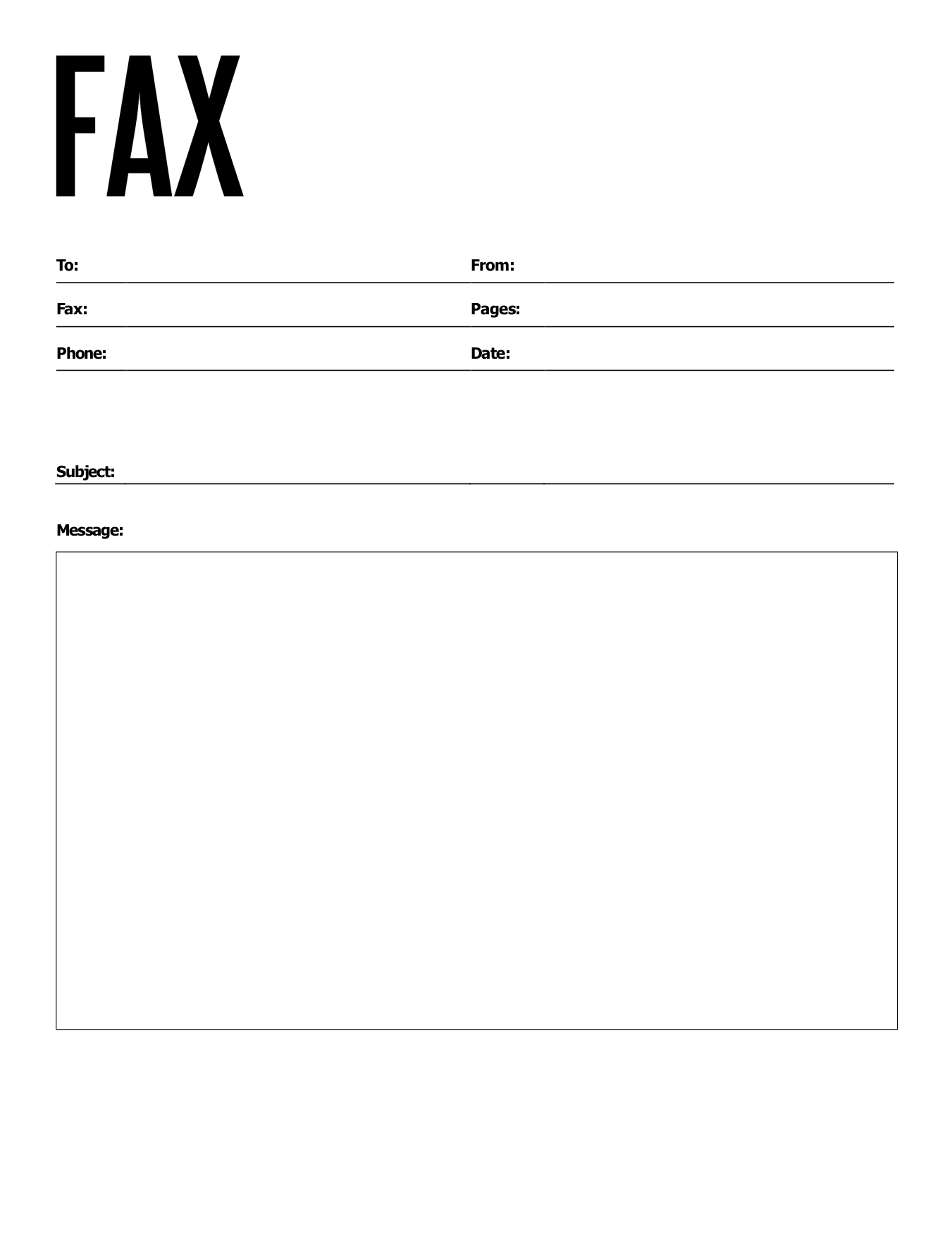
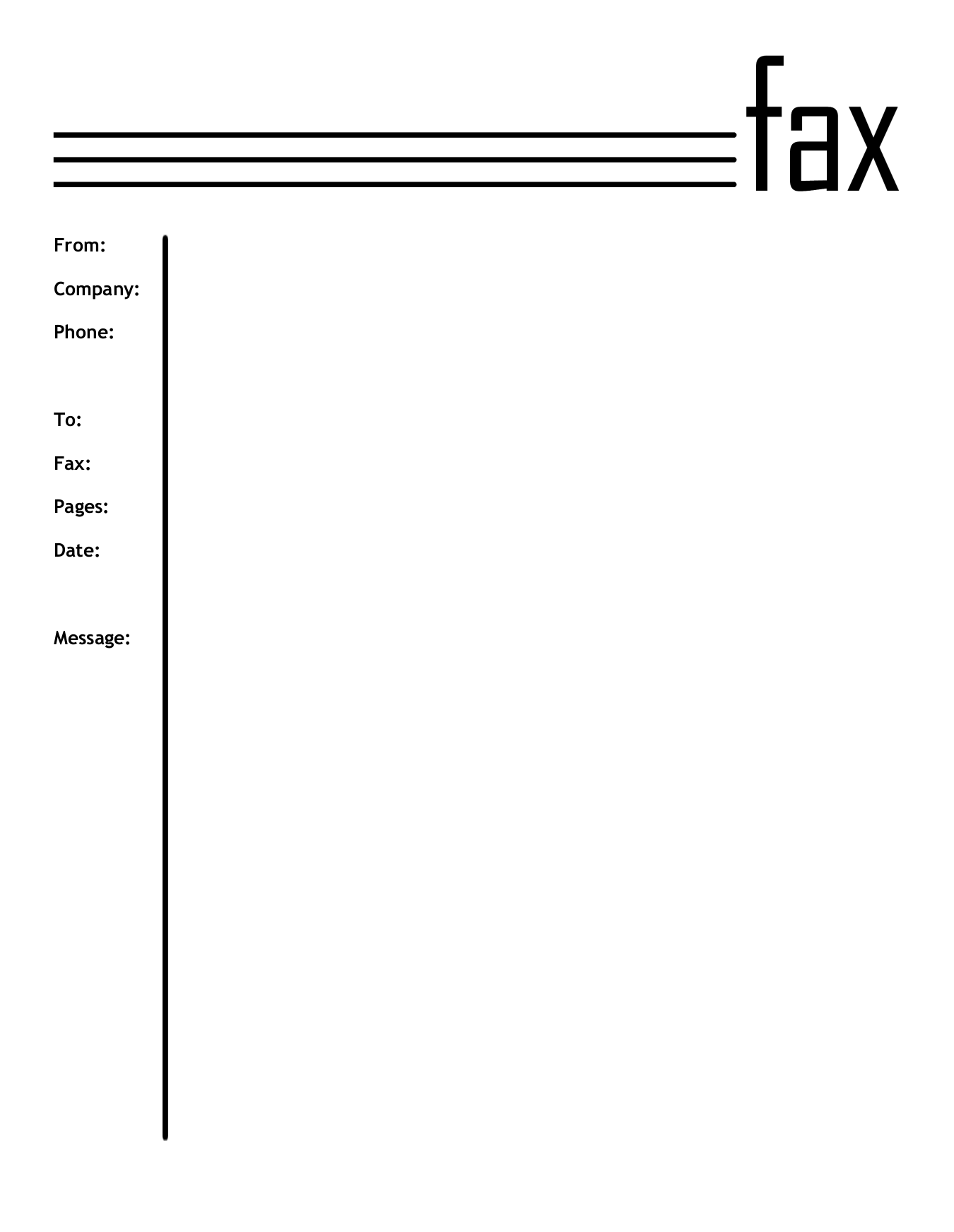
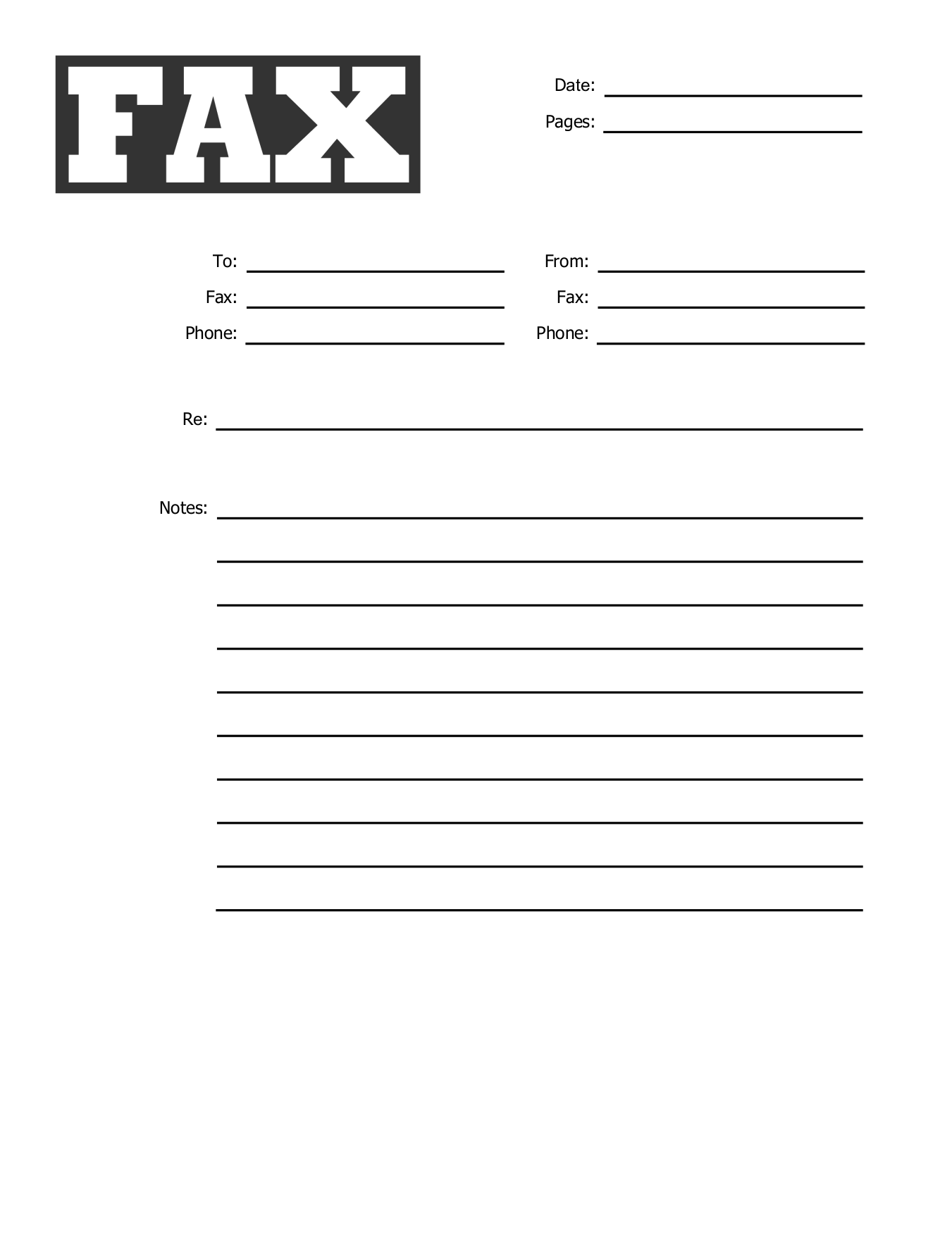
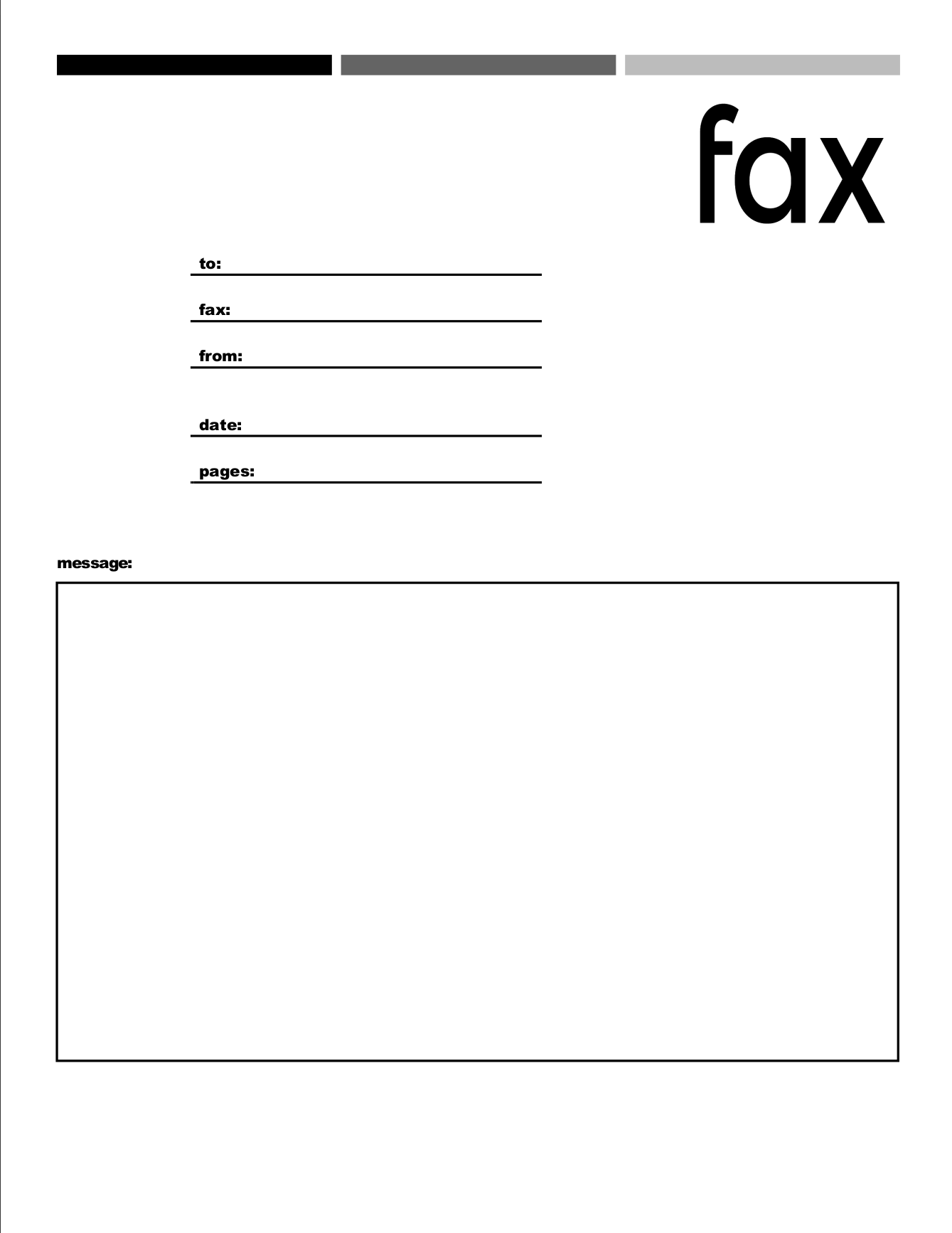
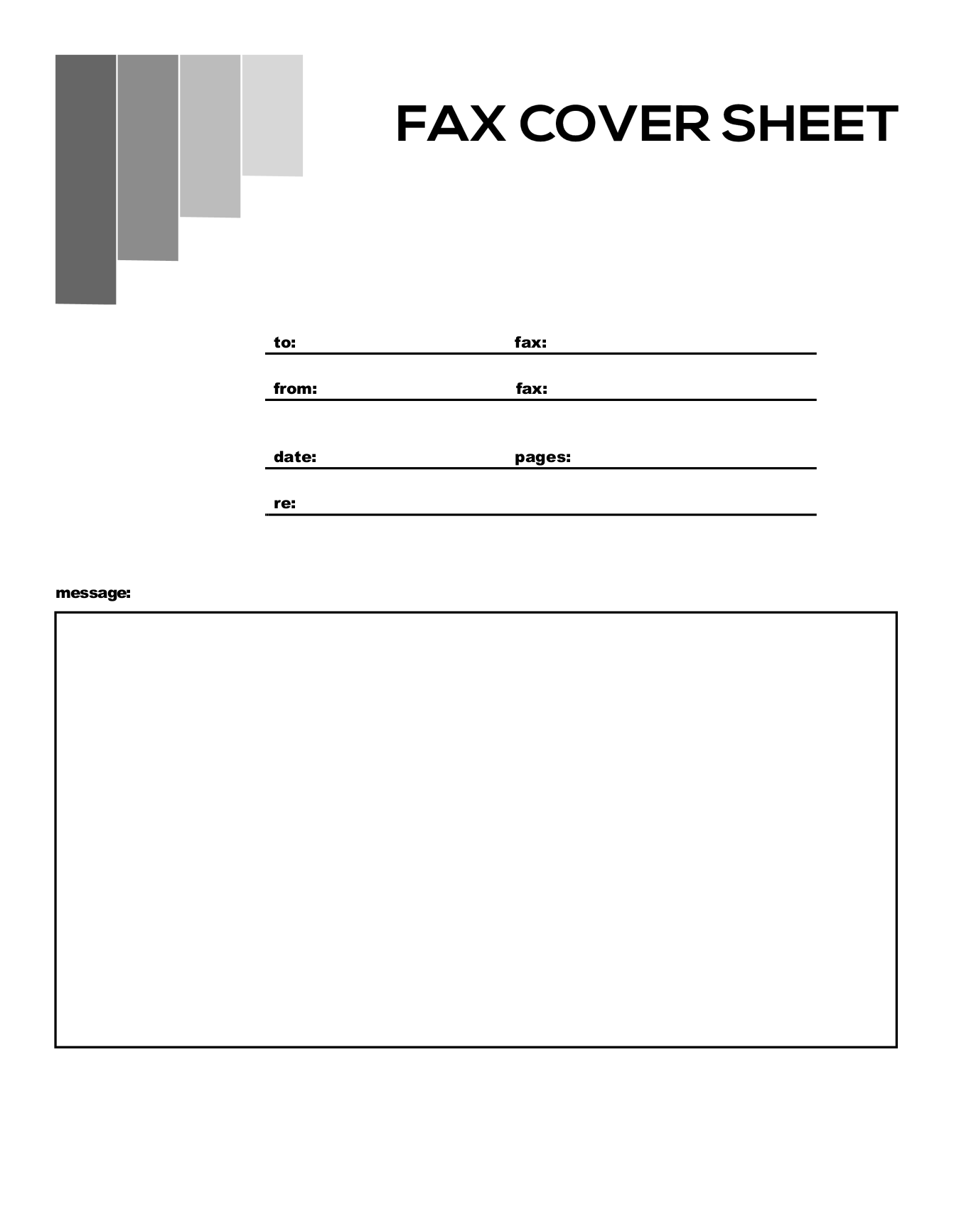
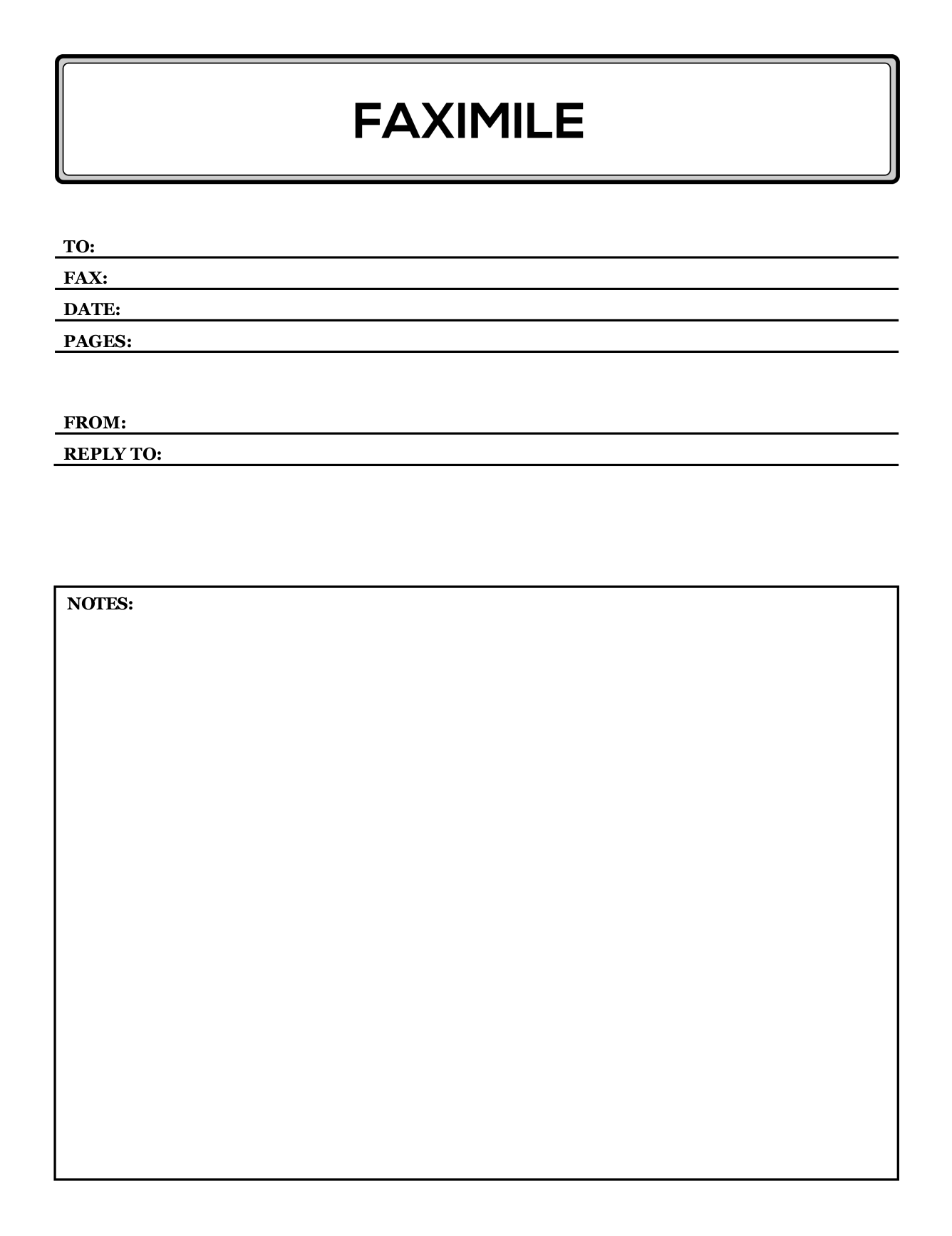
Plain cover sheets with no labels, ready to print and fill in by hand. Free PDF, Word, Pages and Google Docs versions.
How to fill in a blank fax cover sheet
1
Print it at actual size (100%) on US Letter paper.
2
Fill it in by hand in dark ink, in print rather than cursive, so it stays readable after faxing.
3
Count the cover sheet in your page total. A 3-page document plus the cover sheet is 4 pages.
Keep a stack on hand
Print a few copies and keep them by the printer, so the next fax takes a minute. Or fill in your own name, number and company once on screen, print a stack, and only add the recipient and date each time.
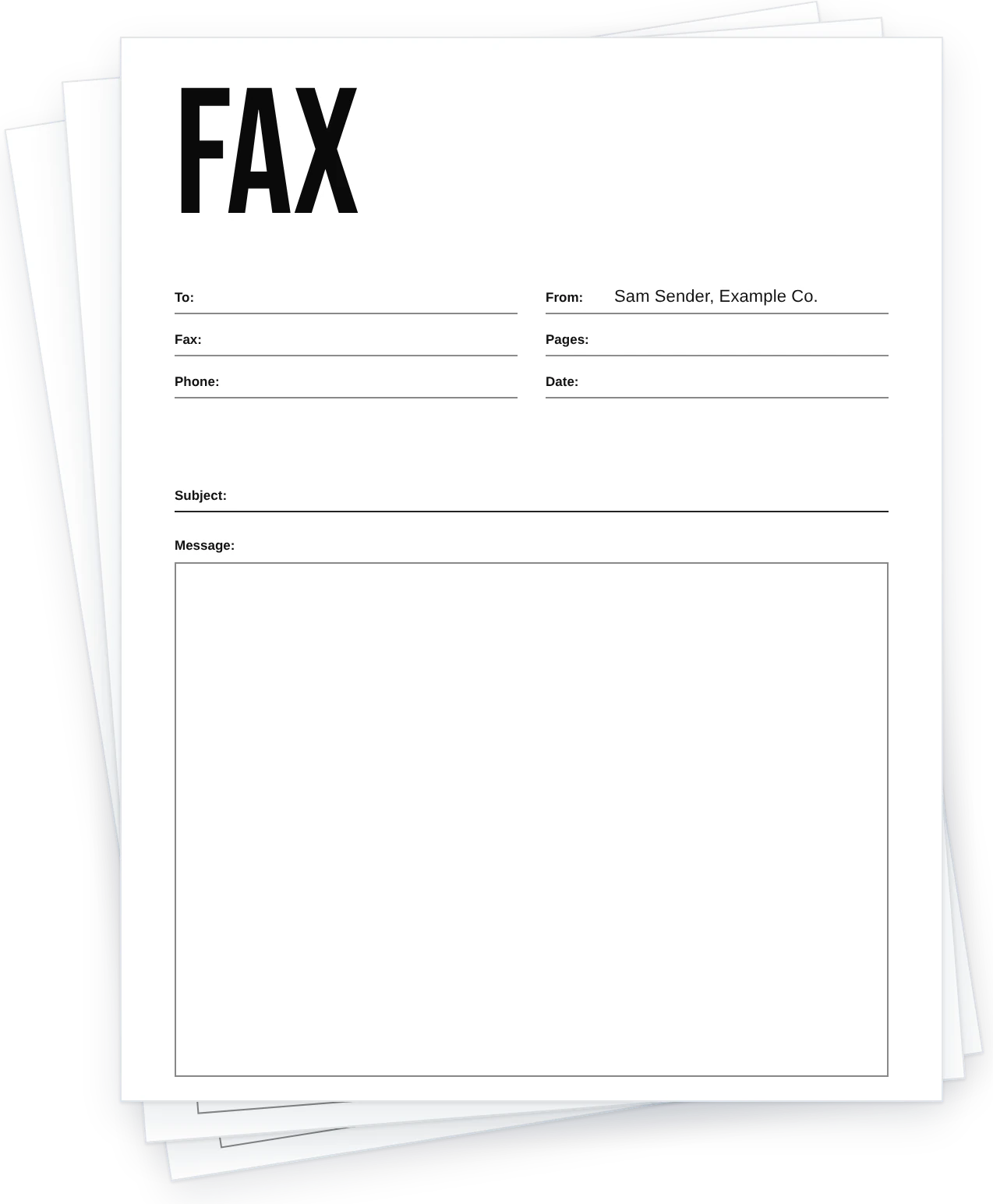
More fax cover sheets
No fax machine? Send it from your computer or phone.
Attach your cover sheet and documents, enter the fax number and send. FaxBurner is free to start, with no credit card.

Blank fax cover sheet FAQs
What's the difference between a blank and a basic cover sheet?
None. Both mean a plain sheet with the standard fields and no Urgent or Confidential label.
Can I type into these before printing?
Yes. The PDFs are fillable.
Is there a blank sheet with a confidentiality notice?
Yes. See confidential fax cover sheets.