

Fax cover sheets Google Docs
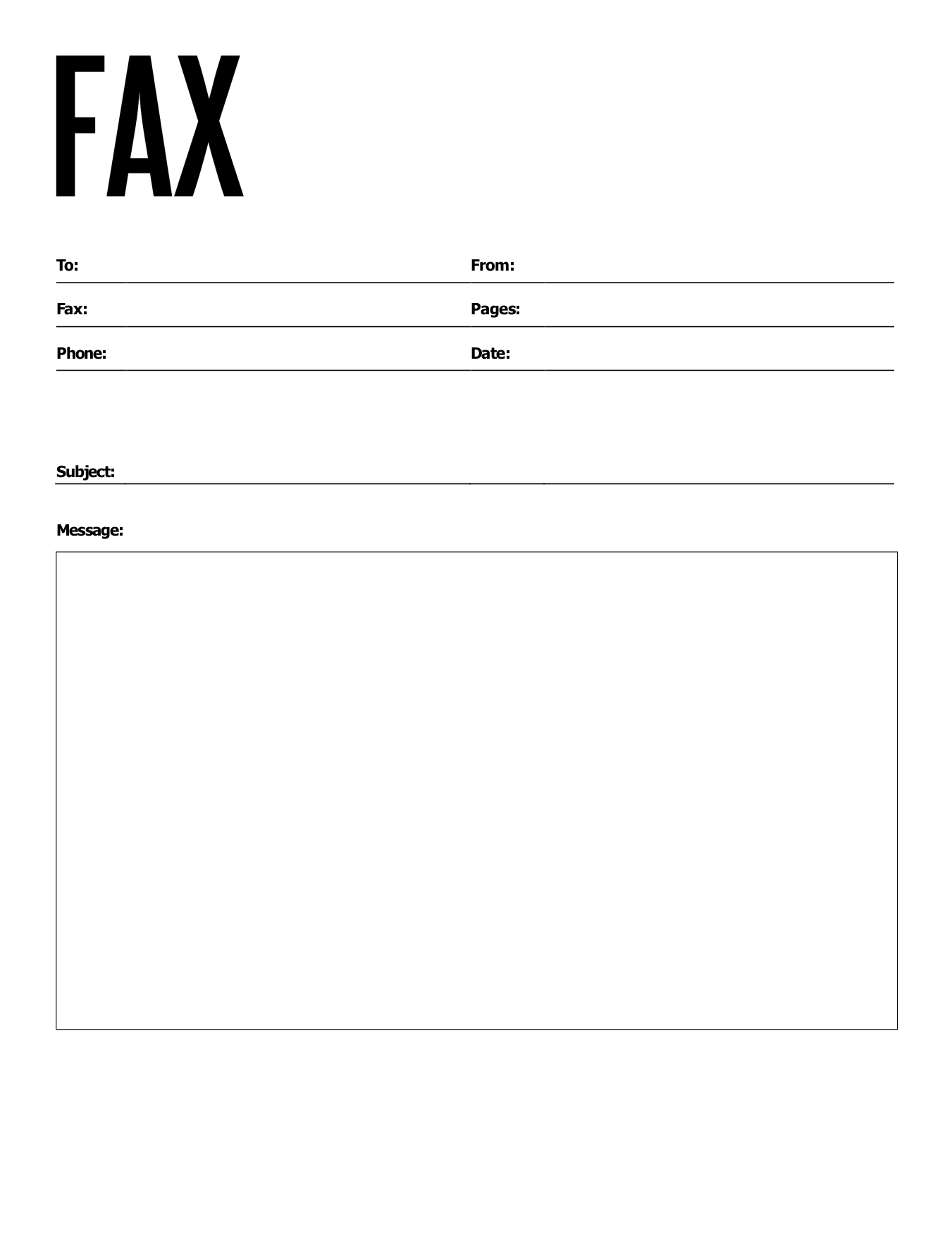
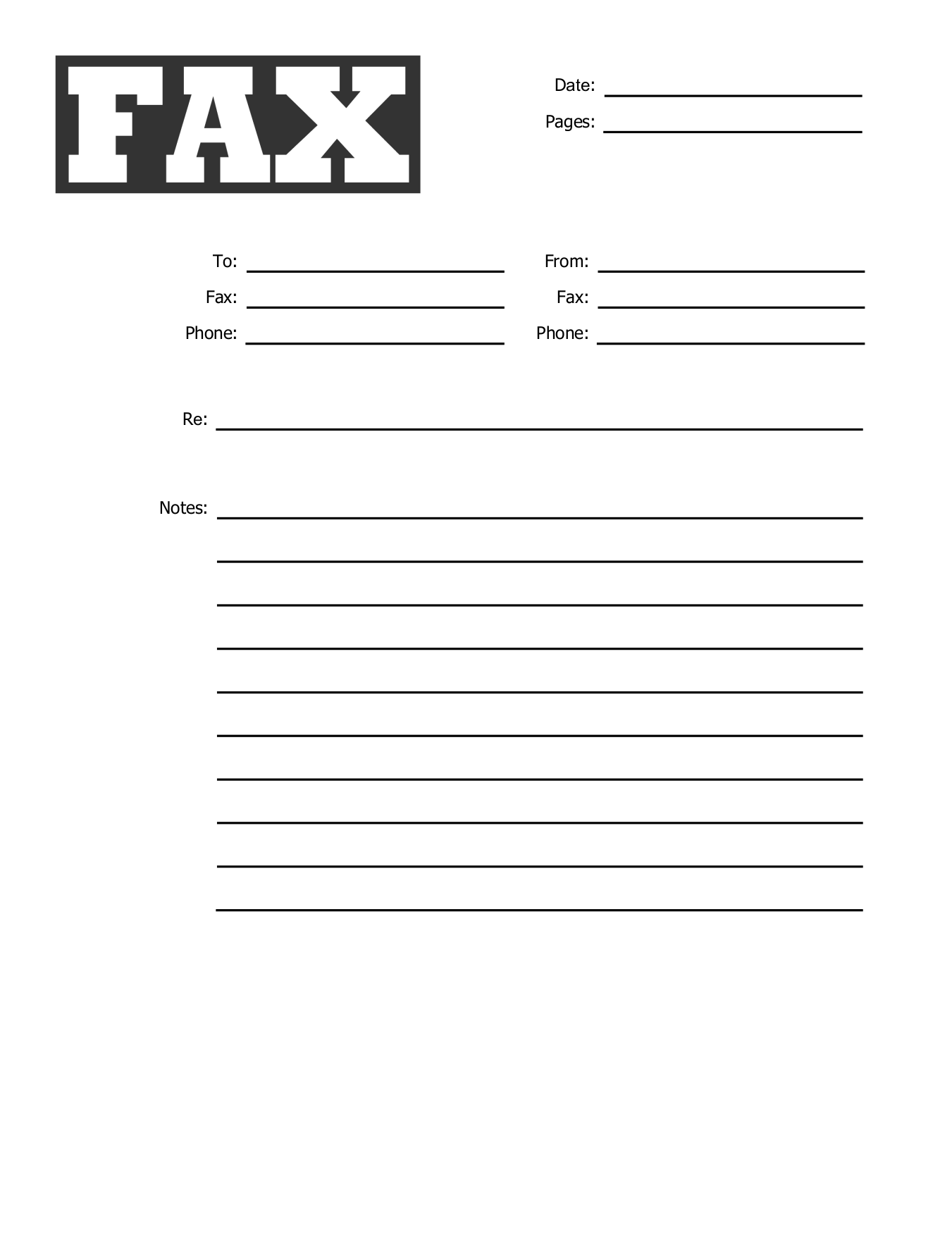
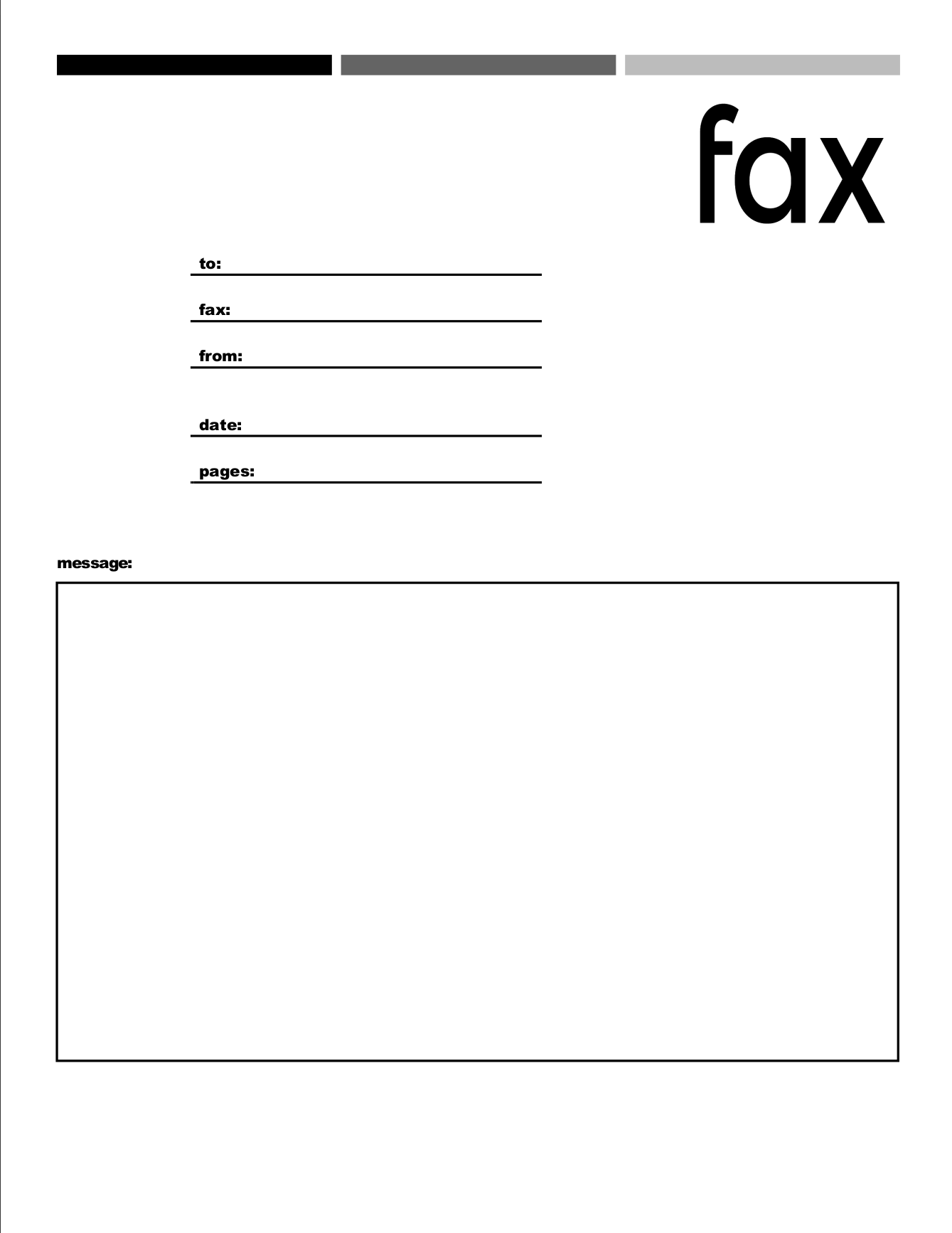
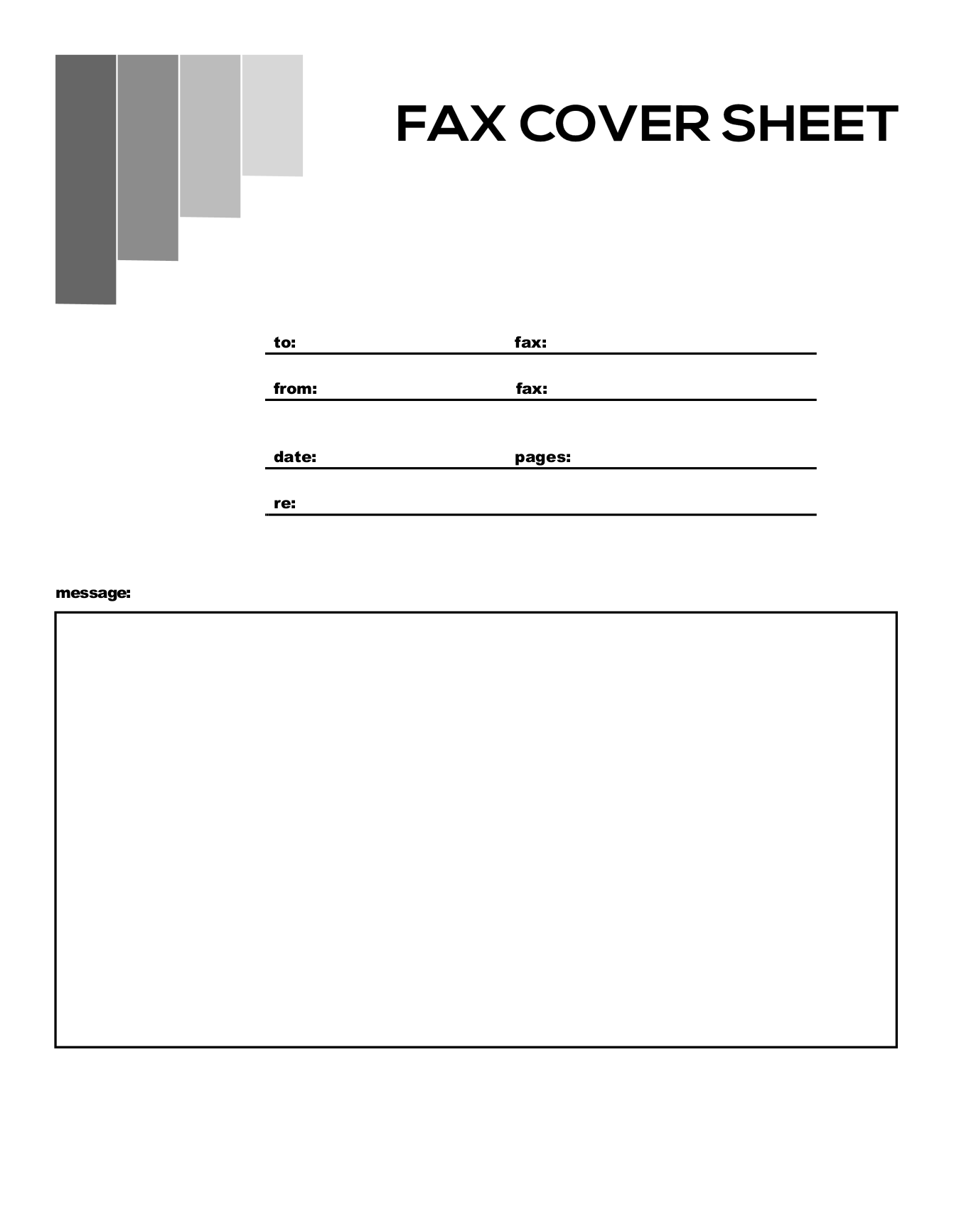
Free Fax Cover Sheet Templates for Google Docs
Make your own copy of any design in one click. Fill it in on your computer or phone, then download it as a PDF.
Basic fax cover sheets
Simple sheets for any fax.
9 templates
Urgent fax cover sheets
For faxes that need attention now.
4 templates
Confidential fax cover sheets
For medical, legal, financial or HR documents.
4 templates
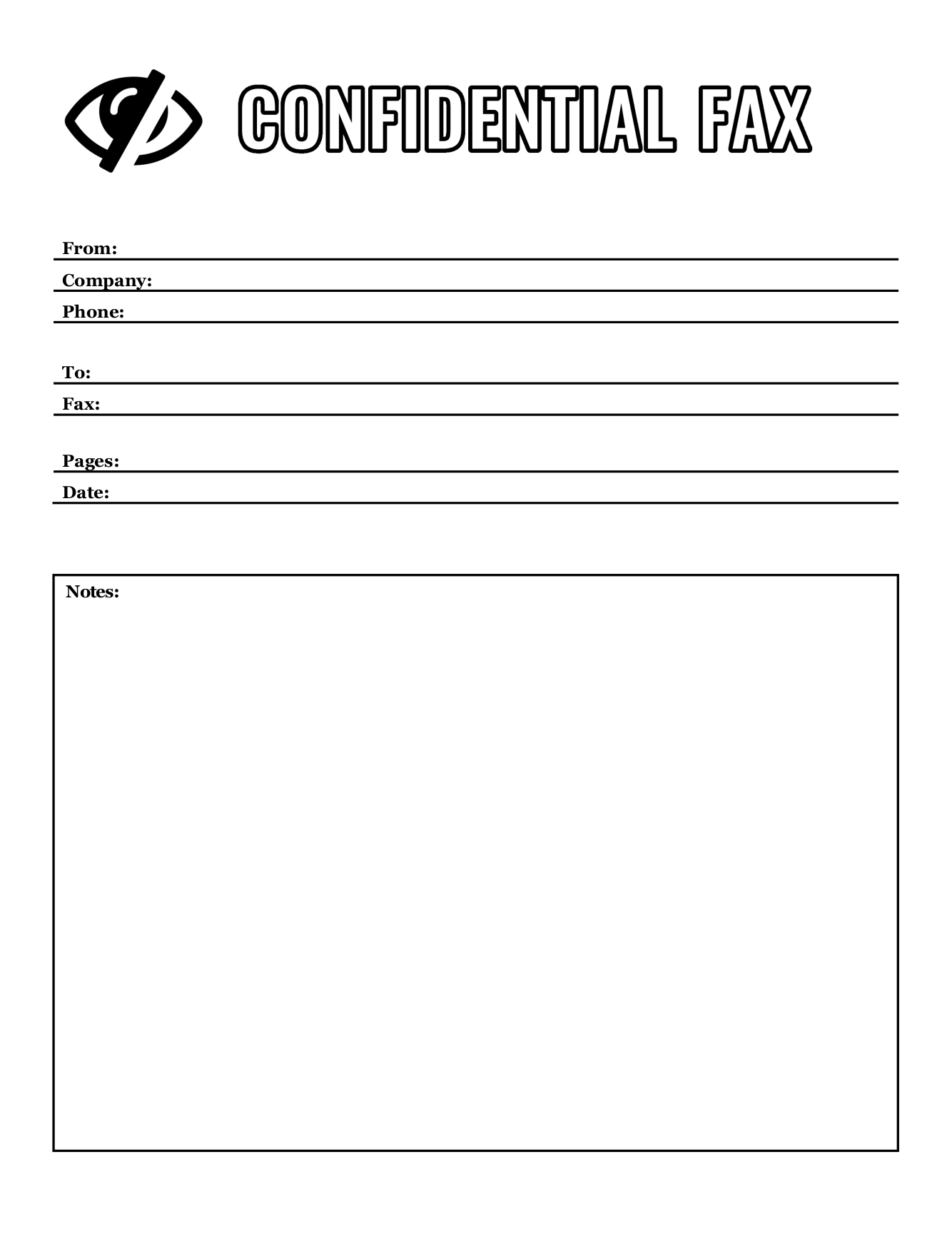
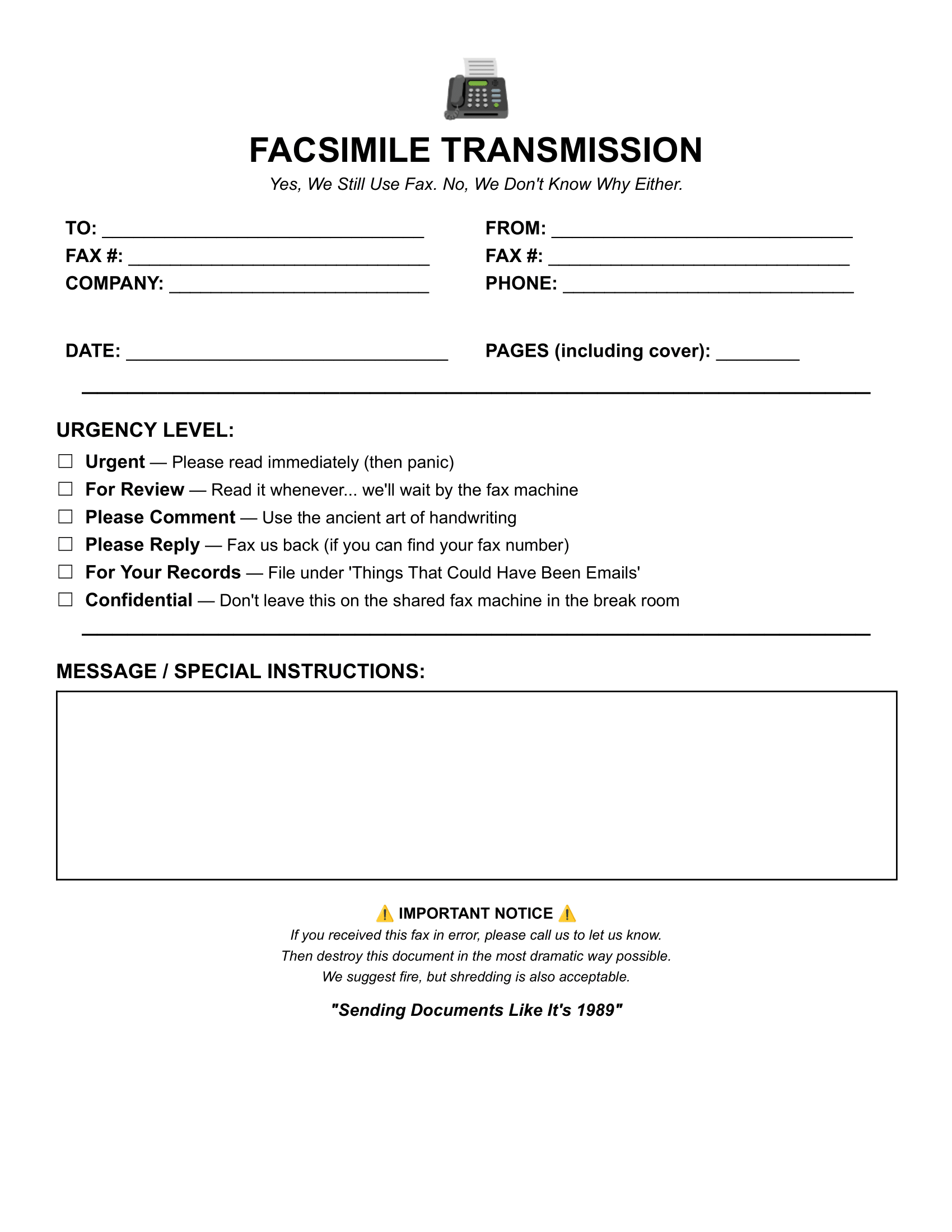
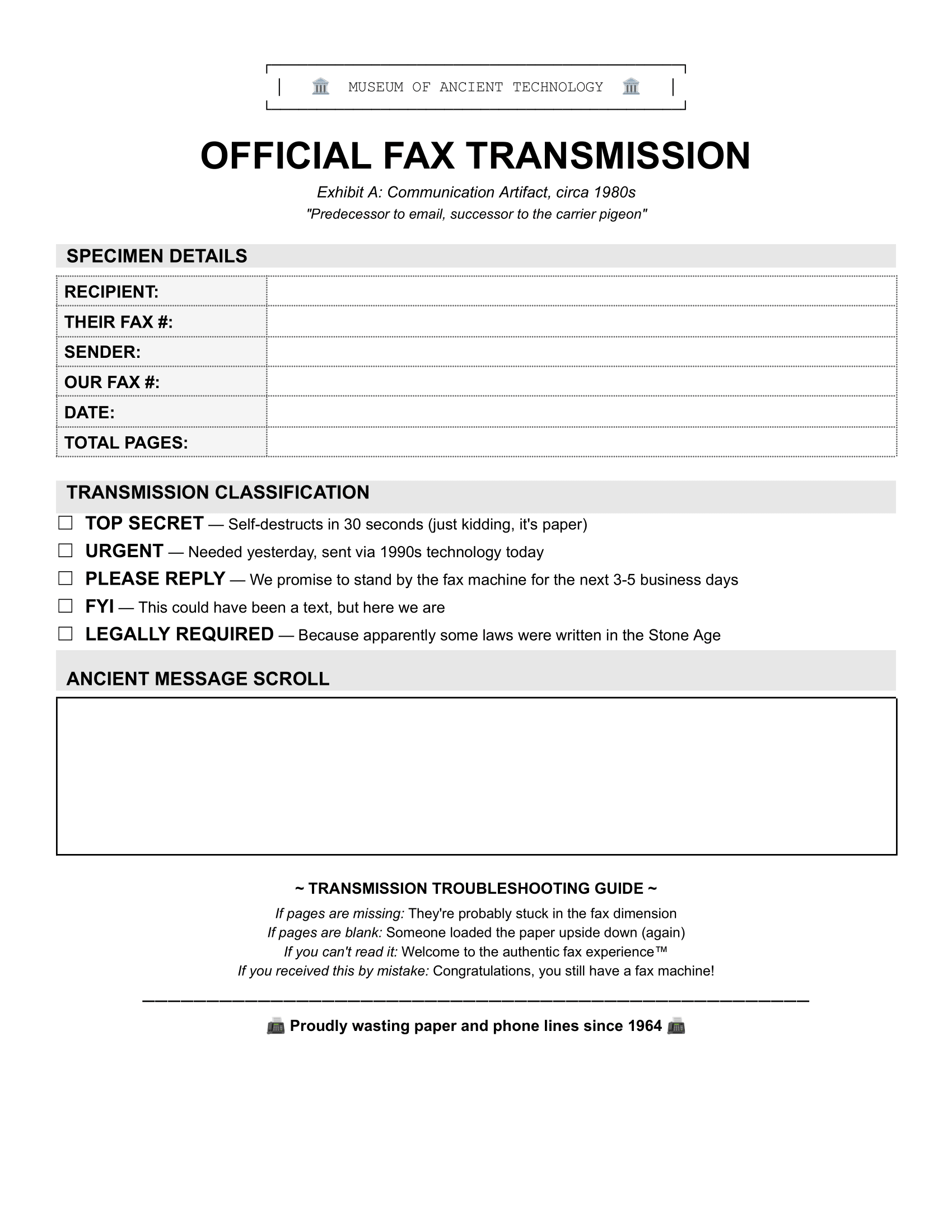
Funny fax cover sheets
For when the recipient has a sense of humor.
2 templates
How to use a Google Docs fax cover sheet
1
Make a copy. Click Make a copy and sign in to Google. The copy saves to your Drive.
2
Fill it in. Click into each field and type.
3
Download it as a PDF. Go to File > Download > PDF, then attach it as the first page of your fax.
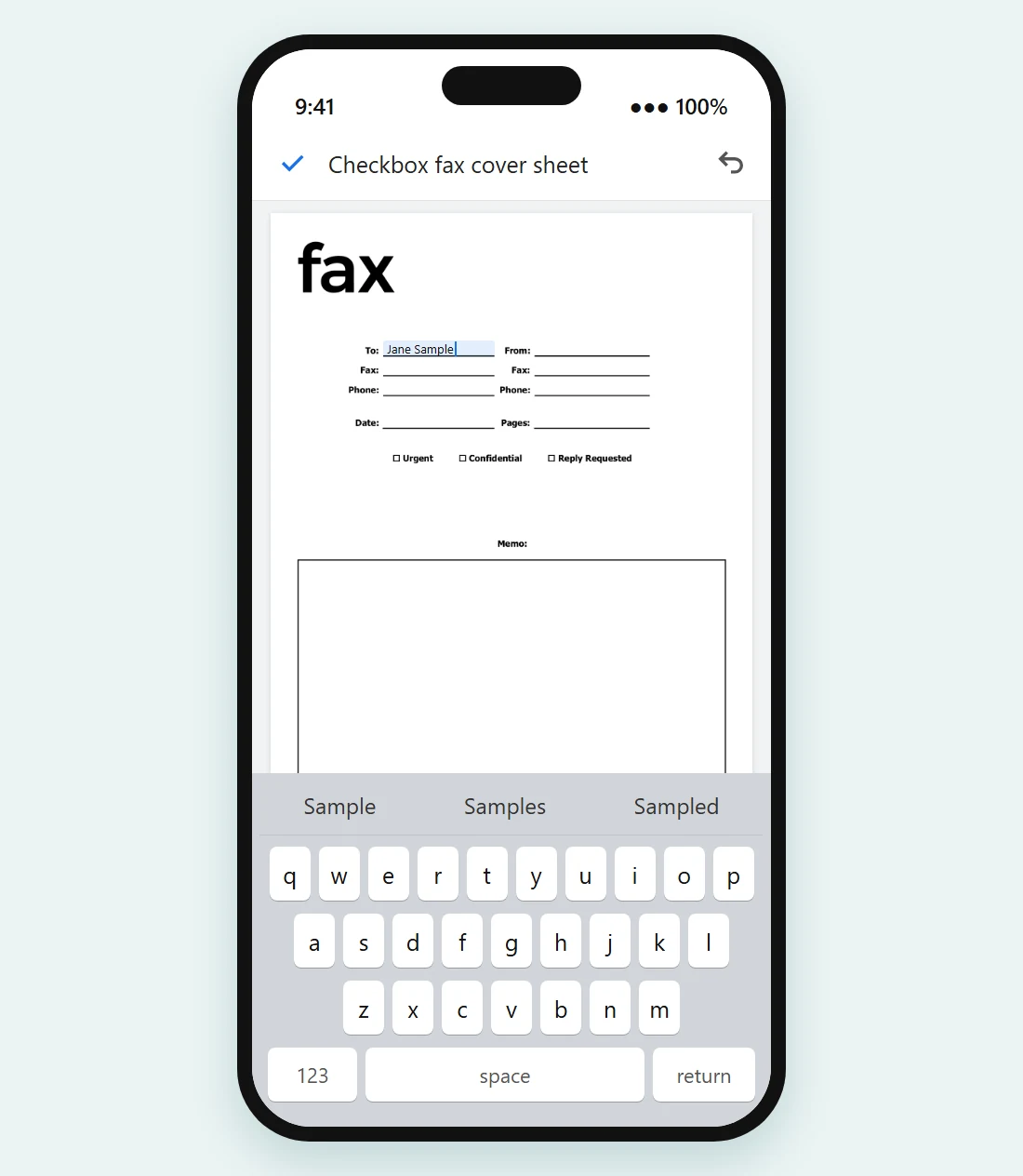
Fill it in on your phone
Open your copy in the Google Docs app, tap a field and type. Then tap the three-dot menu > Share & export > Save as and choose PDF.
No fax machine? Send the PDF from the same phone with FaxBurner. Free fax app for iPhone →
More fax cover sheets
No fax machine? Send it from your computer or phone.
Attach your cover sheet and documents, enter the fax number and send. FaxBurner is free to start, with no credit card.

Google Docs fax cover sheet FAQs
Do I need a Google account?
Yes, to make your own copy. If you’d rather not sign in, download the PDF or Word version from the same card.
Will my copy change if you update the template?
No. Your copy is yours and stays in your Drive.
Can I add my logo?
Yes. Go to Insert > Image and upload it.